Support
Help with installation, activation and errors. Just describe what happened — step by step, with the app version.
What to include
The more precise the report, the faster the problem can be reproduced and answered.
- App version — it is part of the installer name you downloaded (for example ClipboardManagerPlus-Setup-1.3.2.exe).
- Windows version and architecture: Windows 10 or 11, x64.
- What you did — step by step, starting from launching the app.
- What you expected and what actually happened.
- A screenshot of the window or the exact error text, if you have one.
Common problems
Check these four cases first — half of all questions are solved right away.
Ctrl+Shift+V does not open the history
The shortcut may be taken by another program. Assign a different one in settings and make sure ClipboardManager Plus is running — its icon sits in the system tray next to the clock.
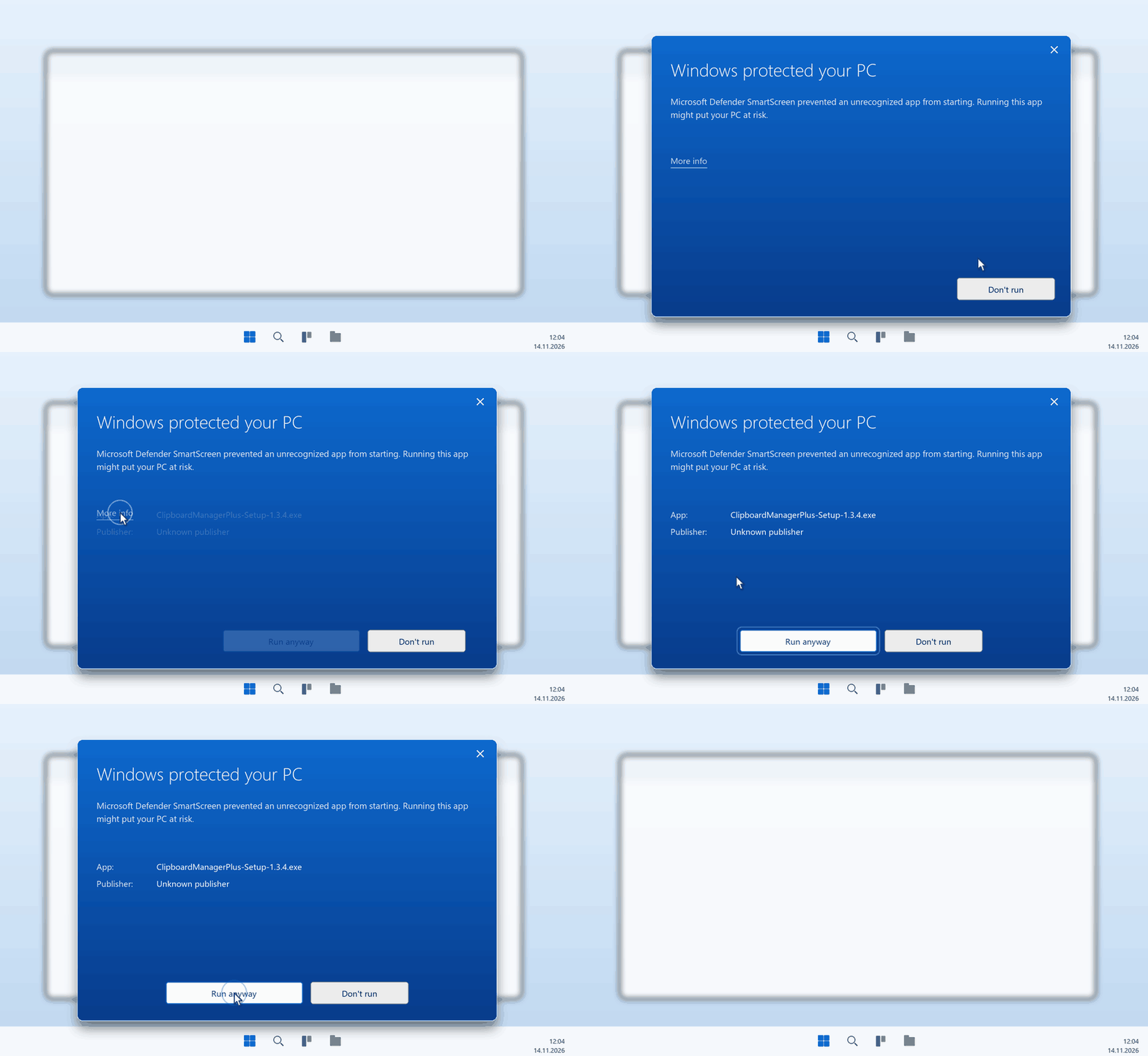
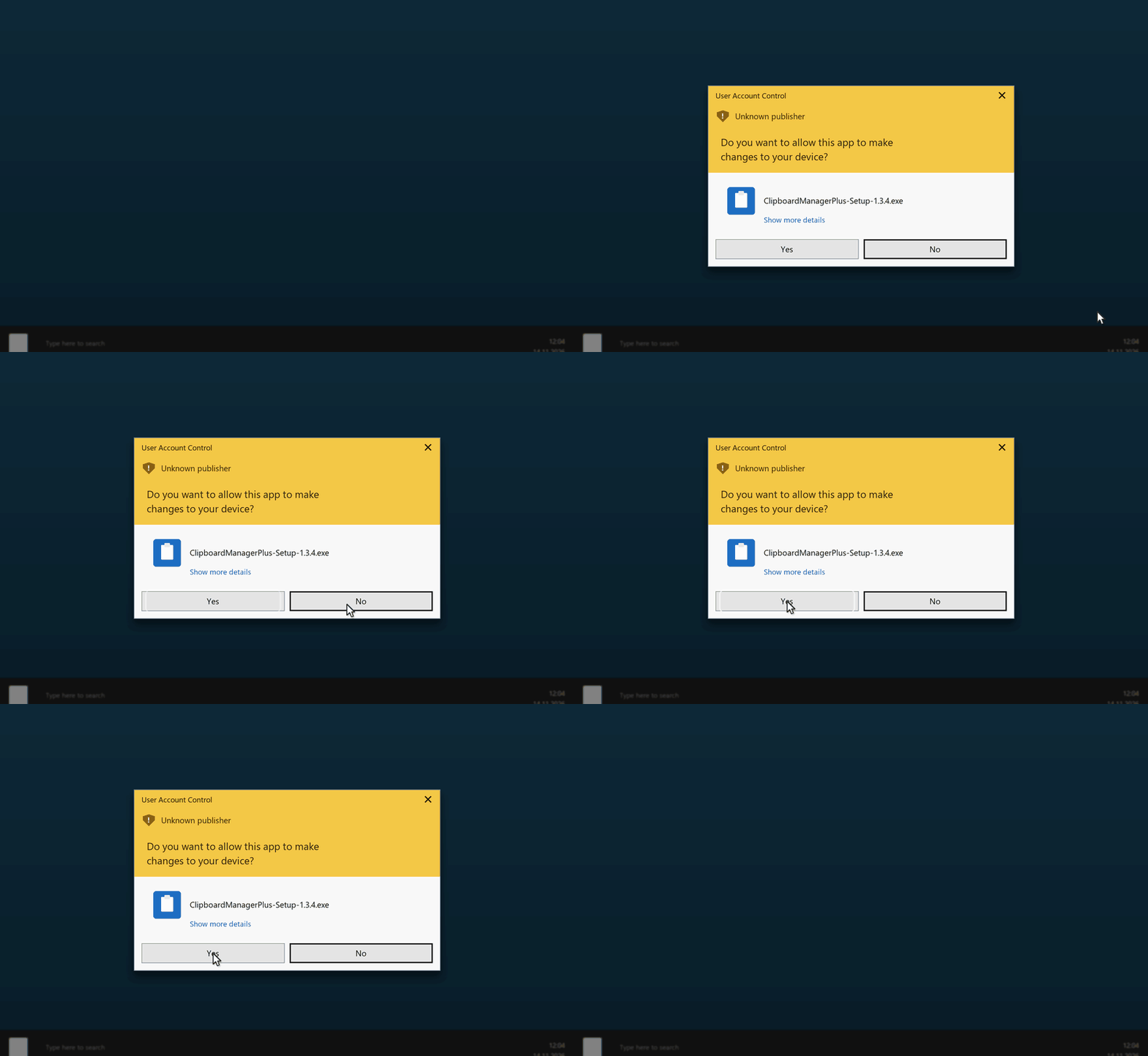
Antivirus or SmartScreen warns during installation
The installer is not code-signed yet, so Windows may warn about an unknown publisher. Download only from this site's download page and verify the SHA-256 published there.
Pro features are locked
Pro works without a key for the first 14 days. After the trial, snippets with variables, paste-as-text and advanced import require a key; your history and settings are kept.
The key is not accepted
Make sure the whole key is entered: 25 characters like CMGR-XXXXX-XXXXX-XXXXX-XXXXX-XXXXX, case and dashes do not matter. The key is not bound to a computer: it works for one user on any machine. If you lost the key, request it again on the "Get the key again" page with your order number and email, or write to support with the order number.